> ## Documentation Index
> Fetch the complete documentation index at: https://docs.trybeans.com/llms.txt
> Use this file to discover all available pages before exploring further.
# API Tokens
> Generate and manage API authentication credentials.
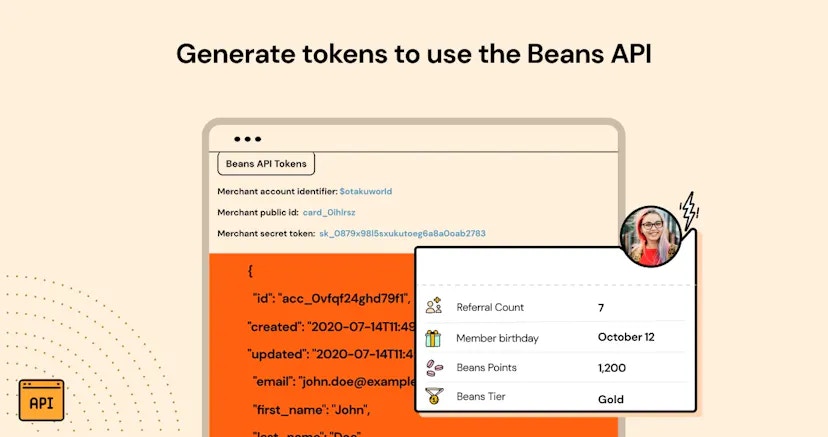 Beans API Tokens is a utility that lets merchants generate and manage API authentication credentials.
It's designed to help merchants:
* Integrate Beans with their existing tech stack
* Create custom business logic with Beans data
* Access Beans data through the Beans API for analytics and automation
The API tokens provided by this integration are designed for individual merchants use, enabling them to access their
data. They are not intended for partners developing integrations for multiple merchants.
## How it works
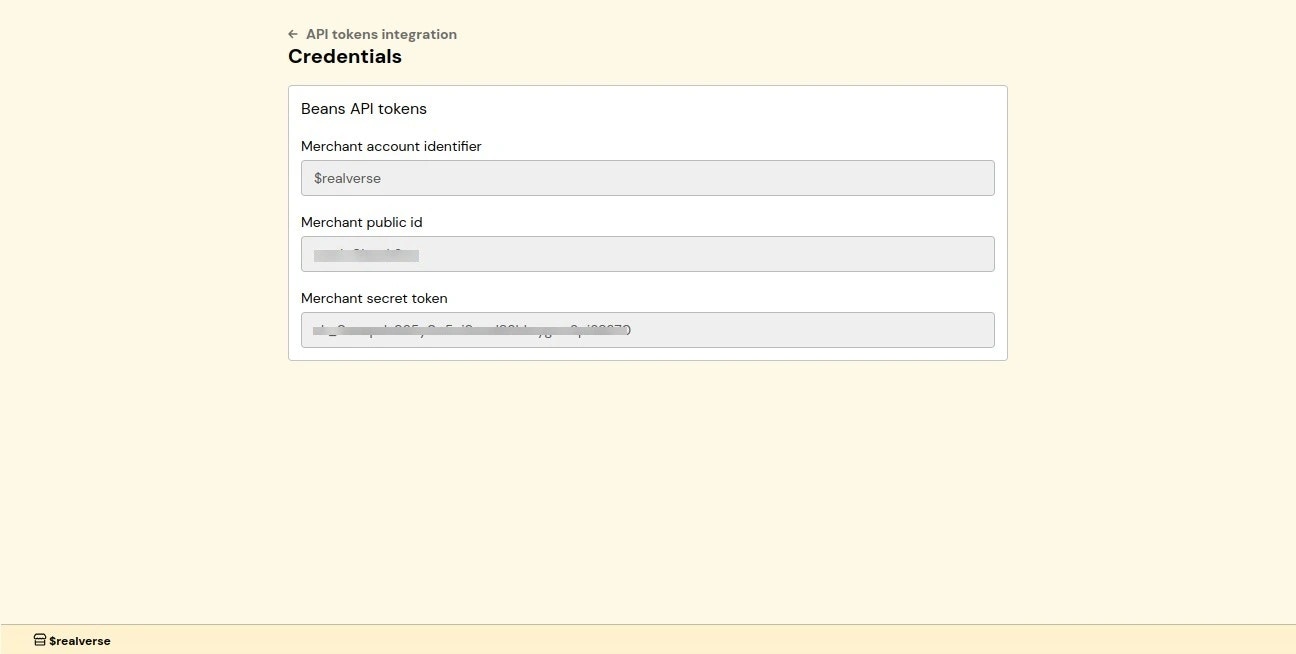
Once activated Merchants receive a unique set of API tokens, comprising a public identifier and a secret token.
Public identifier can be used to access non-sensitive data from the storefront
or any other place where security is not a concern. Secret token should be used server-side for accessing Beans API
endpoints that require authentication. To learn more about how to use the API, please refer to the
[API documentation](https://api.trybeans.com/v3/doc).
Beans API Tokens is a utility that lets merchants generate and manage API authentication credentials.
It's designed to help merchants:
* Integrate Beans with their existing tech stack
* Create custom business logic with Beans data
* Access Beans data through the Beans API for analytics and automation
The API tokens provided by this integration are designed for individual merchants use, enabling them to access their
data. They are not intended for partners developing integrations for multiple merchants.
## How it works
Once activated Merchants receive a unique set of API tokens, comprising a public identifier and a secret token.
Public identifier can be used to access non-sensitive data from the storefront
or any other place where security is not a concern. Secret token should be used server-side for accessing Beans API
endpoints that require authentication. To learn more about how to use the API, please refer to the
[API documentation](https://api.trybeans.com/v3/doc).
 ## Example
Here is an example of how to use the API to access Beans data.
```bash theme={null}
curl -u ":" -X GET "https://api.trybeans.com/v3/ultimate/card/current/"
```
## Example
Here is an example of how to use the API to access Beans data.
```bash theme={null}
curl -u ":" -X GET "https://api.trybeans.com/v3/ultimate/card/current/"
```