> ## Documentation Index
> Fetch the complete documentation index at: https://docs.trybeans.com/llms.txt
> Use this file to discover all available pages before exploring further.
# Twitter
> Integrate Beans with Twitter to reward customers for following your Twitter account
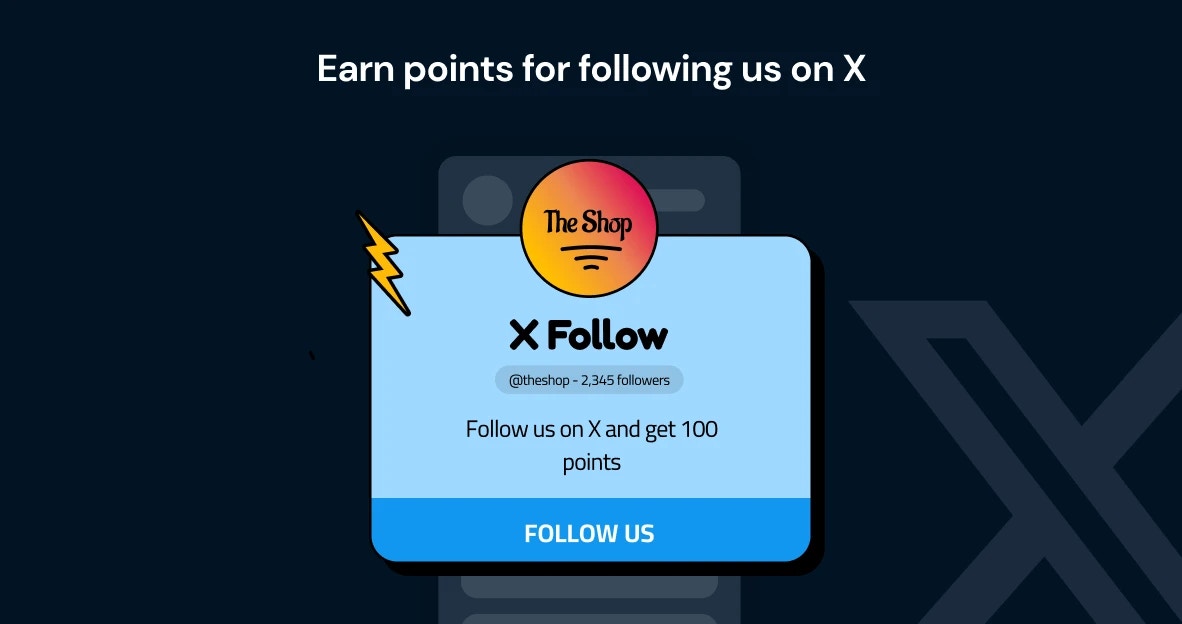 [Twitter](https://www.twitter.com/), also known as the X platform, is a dynamic platform that
connects people and brands through real-time conversations and updates.
The [integration between Beans and Twitter](https://www.trybeans.com/integrations/trellis:twitter) allows
merchants to significantly boost their brand engagement by offering an attractive incentive:
rewarding customers for following the brand’s Twitter account. This strategic collaboration helps merchants
leverage social interactions to build customer loyalty and enhance their online presence.
## Setup
1. From the Beans admin, go to **Integrations**.
2. Locate **Twitter** in the list of available integrations.
3. Click on the **Connect** button and proceed as directed.
4. Grant Beans permission to access your Twitter account.
## Rules
### Points for Twitter Follow
This feature allows you to reward customers with loyalty points
when they follow your Twitter page, enhancing engagement and growing your social media presence.
**How it works:** Once you enable this feature, customers can earn points by following your brand on Twitter.
This applies to both new and existing followers, ensuring all your customers have the opportunity to be rewarded.
**Important details:** Customers are rewarded with points only once for following the page.
The system ensures that points are not awarded multiple times to the same customer,
even if they unfollow and refollow the page. If a customer decides to unfollow your brand,
the points previously awarded for following will not be revoked.
## Status
This interface provides control over the status and data synchronization between Beans and Twitter,
offering options to disconnect the integration, or reset the connection as needed.
To access the status page:
1. Navigate to the Twitter integration home page
2. Click on **Status** in the integration navigation menu.
[Twitter](https://www.twitter.com/), also known as the X platform, is a dynamic platform that
connects people and brands through real-time conversations and updates.
The [integration between Beans and Twitter](https://www.trybeans.com/integrations/trellis:twitter) allows
merchants to significantly boost their brand engagement by offering an attractive incentive:
rewarding customers for following the brand’s Twitter account. This strategic collaboration helps merchants
leverage social interactions to build customer loyalty and enhance their online presence.
## Setup
1. From the Beans admin, go to **Integrations**.
2. Locate **Twitter** in the list of available integrations.
3. Click on the **Connect** button and proceed as directed.
4. Grant Beans permission to access your Twitter account.
## Rules
### Points for Twitter Follow
This feature allows you to reward customers with loyalty points
when they follow your Twitter page, enhancing engagement and growing your social media presence.
**How it works:** Once you enable this feature, customers can earn points by following your brand on Twitter.
This applies to both new and existing followers, ensuring all your customers have the opportunity to be rewarded.
**Important details:** Customers are rewarded with points only once for following the page.
The system ensures that points are not awarded multiple times to the same customer,
even if they unfollow and refollow the page. If a customer decides to unfollow your brand,
the points previously awarded for following will not be revoked.
## Status
This interface provides control over the status and data synchronization between Beans and Twitter,
offering options to disconnect the integration, or reset the connection as needed.
To access the status page:
1. Navigate to the Twitter integration home page
2. Click on **Status** in the integration navigation menu.